
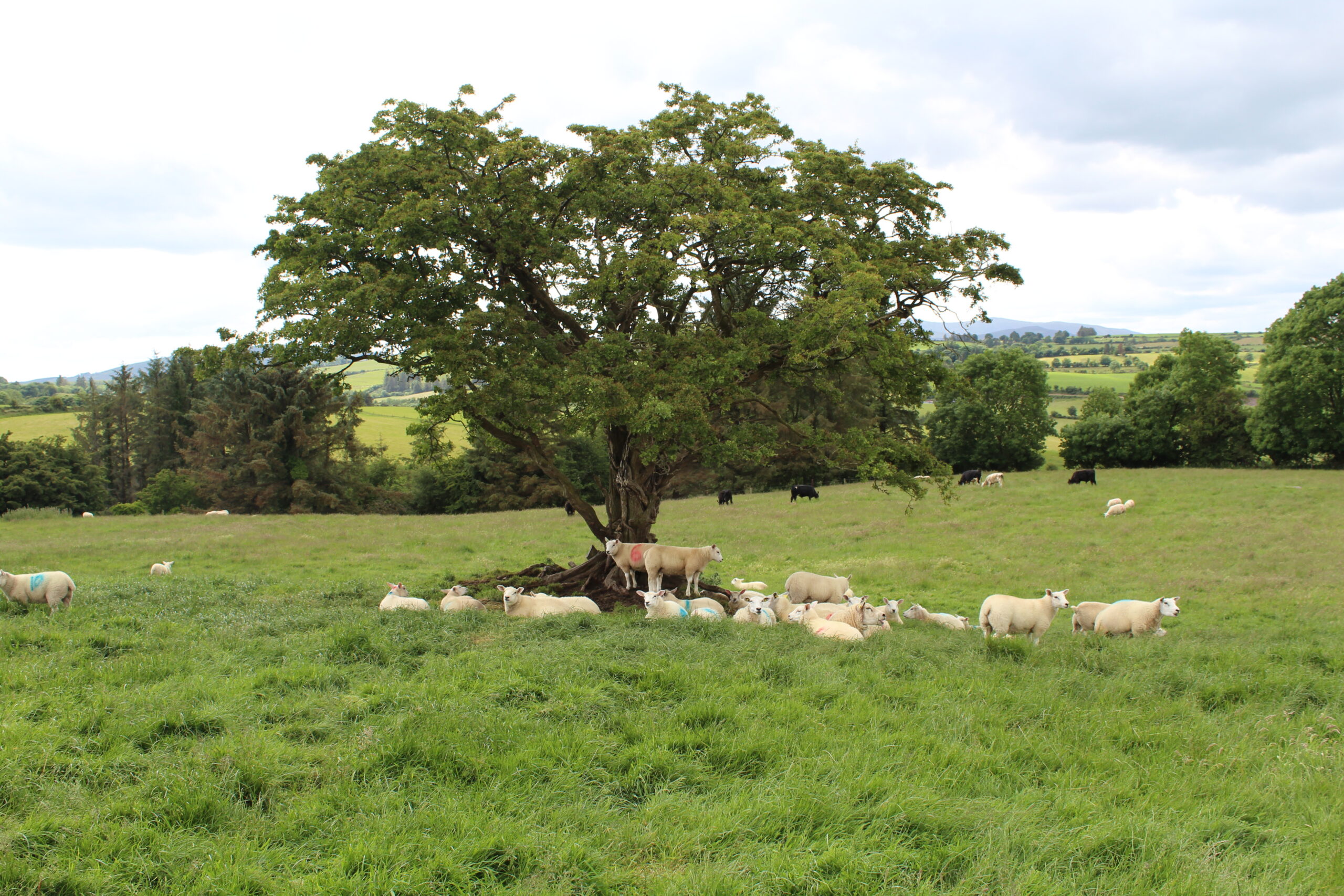
It is important to keep your flock inventory up to date and remove all animals that are no longer in the flock. This includes recording all on‑farm deaths.
LambPlus breeder’s flock inventories on the Sheep Ireland database should reflect what is on the farm on any given day. This could also help to increase your Data Quality Index (DQI) as animals no longer on the farm, but still appearing in your flock inventory, could be showing up as missing event recordings.
How to record the death of an animal on the website?
- Go to your flock inventory in the ‘inventory’ section of your farmer homepage.
- Select the animal you want to record a death for.
- Click on the death tab for the animal and ensure you enter the date of death and reason for death.
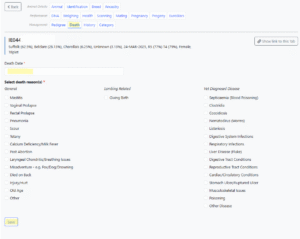
- Click save. This animal will be removed from your flock but the recorded death and reason can be viewed using the movement report: Features of the Movement Report – Sheep Ireland
How to record the death of an animal on the app?
- Click on the menu button and select ‘Deaths’ from the list.
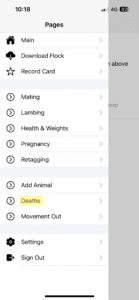
- Select the animal from your list for which you want to record a death.
- Select the death date and death reason.
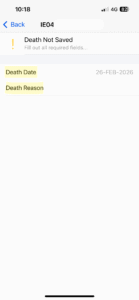
- The death will be recorded. Click ‘undo death recording’ if you make a mistake.
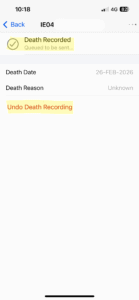
- This animal will be removed from your flock but the recorded death and reason can be viewed on the website using the movement report: Features of the Movement Report – Sheep Ireland